Give every file a home
Build folders and subfolders, move work where it belongs, and keep your projects organized.

Keep your work organized, your important files close, and the right people connected. A shared space for everything you’re making.
Get started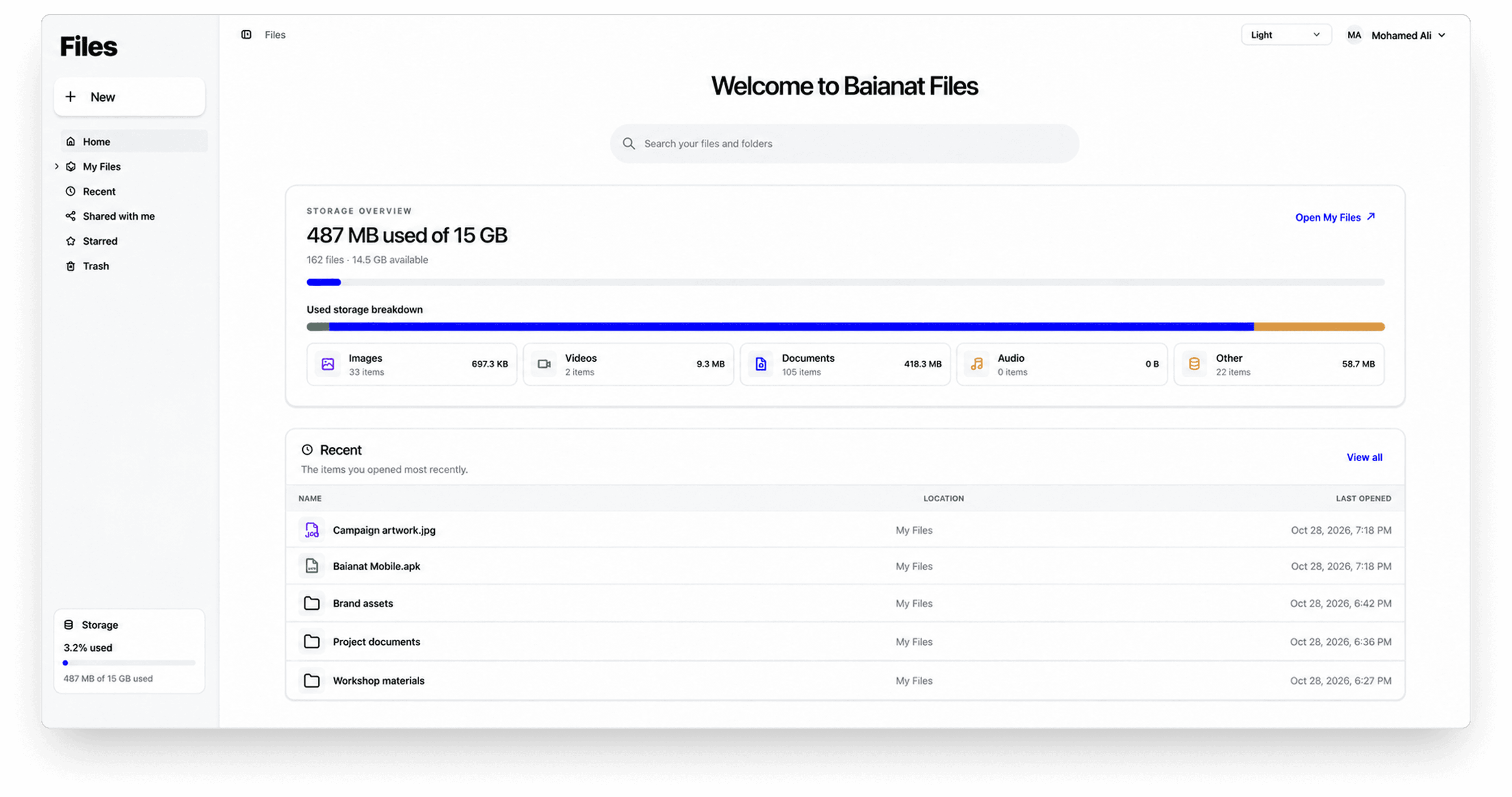
From the first idea to the final delivery, keep a clear path to the work that matters.
Build folders and subfolders, move work where it belongs, and keep your projects organized.
Return to recent files and folders, or star the work you want to keep close.
Search by filename and narrow your view by file type, creation date, owner, or sharing.
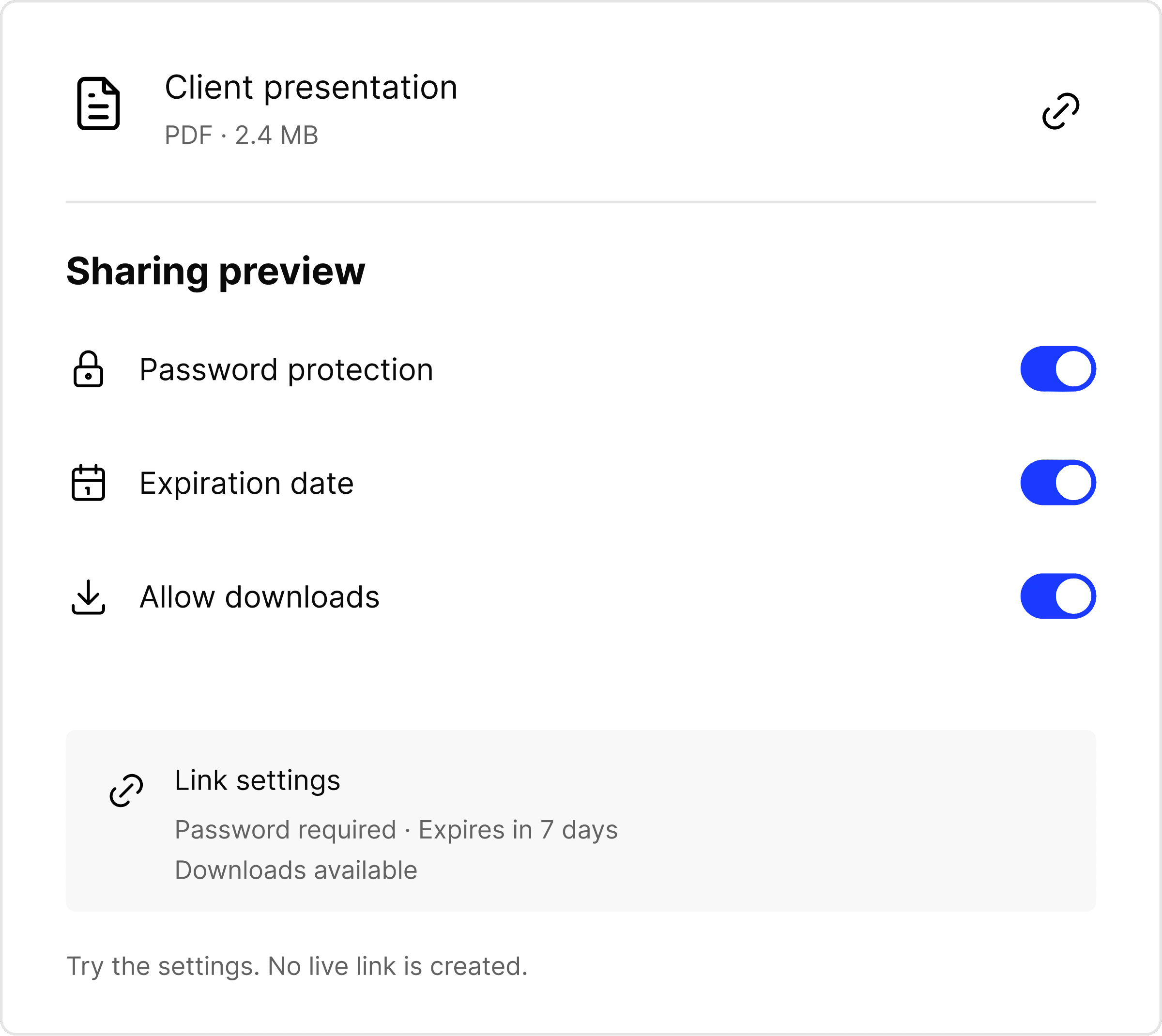
Bring people into a folder with viewer or editor access. For people outside your workspace, create a link with settings that fit the moment.
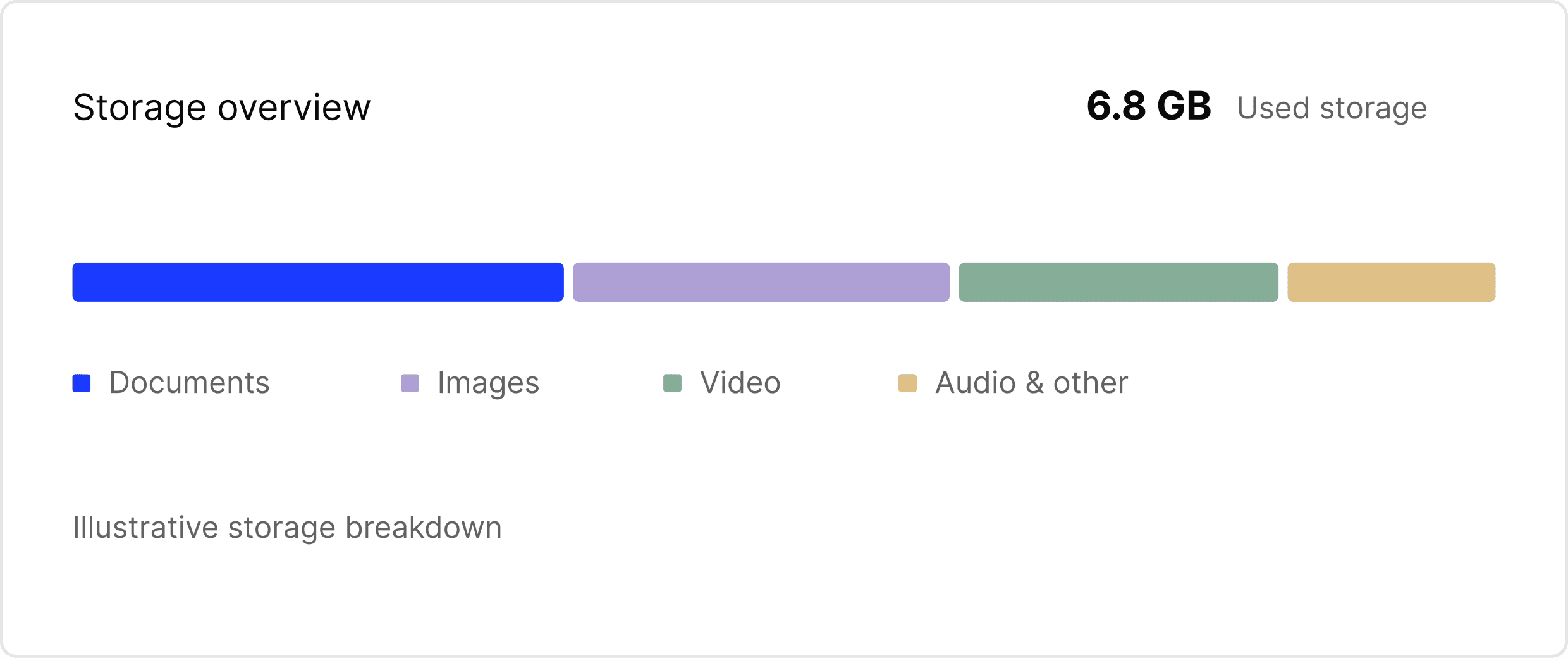
See how much storage you’re using and what’s taking up room, with a breakdown for documents, images, videos, audio, and other files.
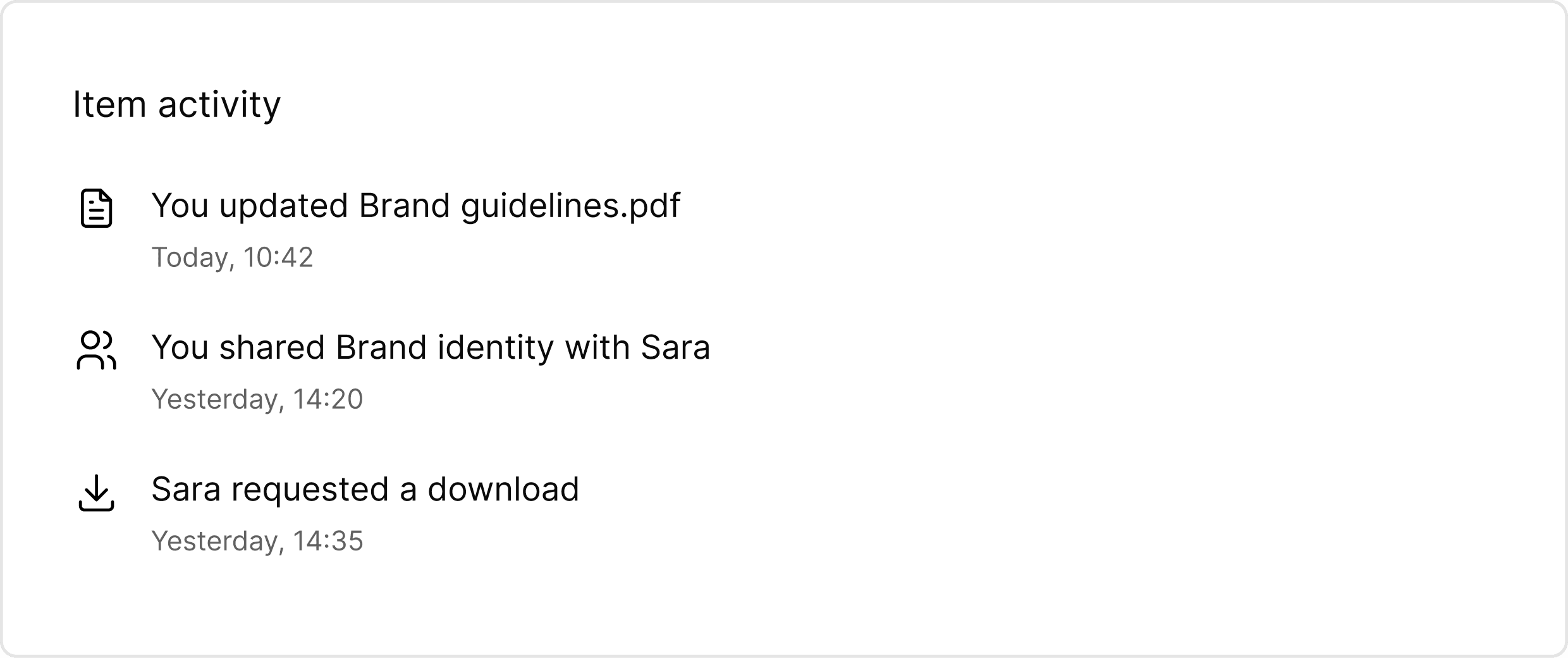
See updates, moves, sharing changes, and download requests in an item’s activity history. Restore files from Trash before they’re permanently removed.
Create folders and subfolders, rename items, and move files into the right project. Star important files and folders to reach them quickly.
Search by file or folder name, then narrow results by type, creation date, owner, or sharing. Search does not look inside document contents.
Yes. Selected files and folders can be shared publicly or through configurable links. Links can have a password, an expiration date, and download settings.
You can give existing users viewer or editor access to files and folders. Folder access can apply to its contents, with more specific permissions where needed.
Yes. You can change a link’s password, expiration date, or download setting, and revoke it to stop future access through that link. Revoking a link does not recall files already obtained.
Your own trashed items appear in Trash, where you can restore them before permanent removal. Items in Trash continue to count toward your storage.
Bring your files together with Baianat Files.
Get started